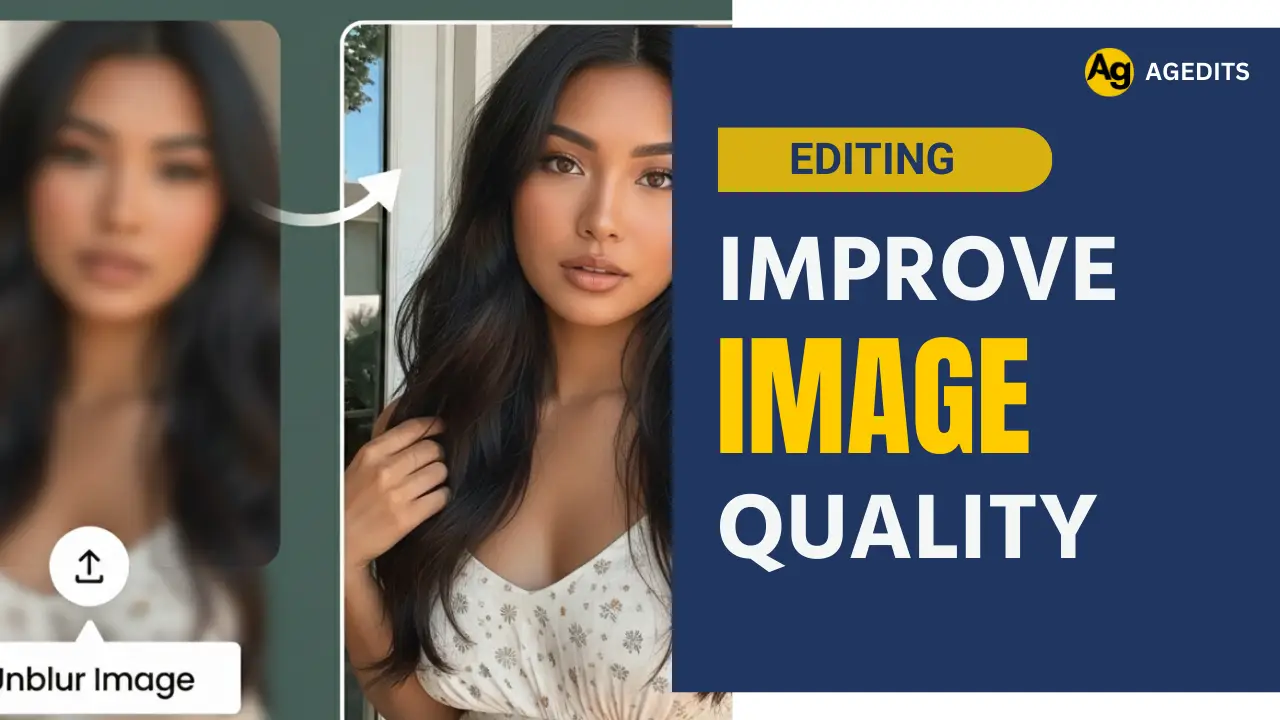
High quality photos attacts the viewers and gives more calrity to relive our memories. Whether its you selfie, portrait, document or old photos that has a lot of memories with it looks clear, meaningful and attractive only when they are clear and in high quality. You might have always wished if those pictures were clear to make them attractive. With new AI tools, it has now become possible to improve the quality of the image to make it look professional and clear.
Poor camera quality, camera movement, poor lighting and lack of advanced photography tools are the common reason for low resolution images with low sharpness and clarity. But, you need not worry about that anymore as you can easily convert your normal low resolution photos into professional high quality images. You do not need any expensive photography or editing tools for that. It can be achieved in just a few clicks using just your phone. You just need the right AI tool and a prompt to get the best result.
This article explains how to improve image quality and convert blurry photos into high quality hd photos using your phone for free in a quick and simple step-by-step guide, along with the right prompt for effective result.
Identify the Cause of Blurry Images
The first thing you need to know to convert your blurry images into a clear one is the reason why the photo is blur and not clear. This would help you choose the best solution and prompt for the image upscale. This would help you to make changes to the image based on the cause. Various reasons why you have blur images are poor camera focus, outdated camera, old photos, camera movement, image compression, screenshot photos, pixeleted images, multiple shares, etc.
The solution for all the causes are quite similar and the process is almost the same. However, making few changes to the prompts and giving proper instructions according to the cause would give the best output as AI would understand the area it needs to work.
Use AI Photo Enhancement Tools
Photo enhancement tools helps you to upscale the image keeping everything the same. There are various photo enhancement tools online that you can access through a browser on your mobile or computer. The best thing about these tools is that you do not need to install any external apps to enhance your images. These tools comes handy expecially when you are trying to upload a document for any online application of form submission.
These AI tools reviews your images and improves the sharpness and clarity to upscale them. You can use the high resolution photos for your socail media posts or for uploading any documents when required. It is very important to choose the perfect tool such that you can regain the lost portion of your photos, remove worns or any others marks on the images.
How to Convert Low Quality Photos into High Quality Photos
The process to transform your low quality photos into ultra-realistic high quality photos is simple and easy. Even an individual with no knowledge about photo editing can get it done in just a few clicks. The following steps would help you to turn your blurry photos into clear photos in HD quality.
Step 1: Open the Gemini or ChatGPT app on your mobile or visit their website through a browser on your mobile os desktop.
Step 2: Choose the image generation tool such as NanoBanana or DALLE
Step 3: Upload the image that you want to upscale and improve quality
Step 4: Copy the prompt and paste it in the message box
Step 5: Make changes to the prompt based on the uploaded image describing the area it should focus for improvement
Step 6: Add keywords like Enhance, Upscale, or HD Mode to get the best output
Step 7: Click on the send button and wait for the image to be enhanced
Step 8: Review the image and ask it to make changes if needed
Step 9: Tap on the download icon to save the image to your device
Your image would be successfully enhanced which would look clear, attractive and better quality compared to the original image.
Enhance Photos Using Mobile Apps
You can also improve the quality of your image using an external app designed to upscale image quality. You should always ensure that you have installed the application from the trusted sources such as App store or Playstore. Apps installed from unknown sources make lead to spam activities on your devices. The process to enhance the image using an external image is also simple and easy.
Upscaling an image using photo editing apps however, requires the user to have some basic knowledge and skills aboout photo editing. You have to play with the tools and options available to get the perfect result as you might have been looking. Adjust the brightness, contrast, sharpness, clarity and noise reduction to the optimal level based on your image.
You also have the option t choose the upscale level such as 4K, 8k, 16K. Select the one that you feel would be ideal for your image. You can apply the same settings even if you are using a desktop software. Do not over edit the images as it may lead to the change in the original subject of the image. Export the image in high qualtiy so that you get high resolution photos.
Tips to Maintain High Image Quality
Though it is not always possible to have high quality professional camera for taking your photos, you can still have a clear high quality photos. You should remember various factors inroder to improve and enhance the quality of your images.
- Click your images with minimal camera movement
- Do not share your images in lower quality on social media platforms
- Do not compress your images as it reduces the quality of the image
- Choose the image enhancement options such as 2k edits, 4k edits, 8k edits, 16k edits or 32k edits. Higher resolution and pixels doesn’t guarantee clarity in images.
- Use natural lighting and HD options in the image enhancement prompts
- Do not over edit your images as it leads to loss of focus on the subject
Common Mistakes to Avoid
If you are looking for the best option to turn your normal photos into high quality images keeping the subject of the image realistic, you should avoid various mistakes such as:
- Avoid using unknown tools and websites, use only trusted one.
- Do not zoom in or zoom out your images excessively, instead select the area and upscale it
- Avoid over editing your images using filters and additional sharpening tools
- Never save your image in low quality formats. Always download and save your image in higher quality
Conclusion
You can recall your memories by improving the quality of the image. AI tools allows you to transform any image into HD quality in just a few clicks even without any advanced tools and editing skills. You just need the old photo, AI website and a prompt to get the result you want. These guide would help you to transform your low resolution photos into HD photos like that of a professional camera. You can help your parents see their old photos that has been worn out and out of colour in higher quality. You can use these tools to convert your old photos into clear photos and post them on your social media platforms to attract audience.